Could you be more specific about the command(s) you are trying to run and the error you are getting?
Did you run the command Ryan posted?
Could you be more specific about the command(s) you are trying to run and the error you are getting?
Did you run the command Ryan posted?
Thank you, for the quick reply.
I am getting the error
Error: Malformed line 1 in source list /etc/apt/sources.list.d/45drives-enterprise-trixie.list (type)
Error: The list of sources could not be read.
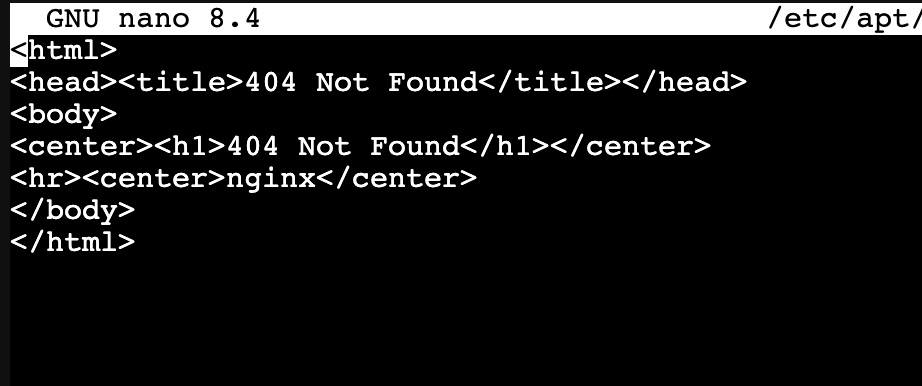
and when I open the /etc/apt/sources.list.d/45drives-enterprise-trixie.list it looks like
I think this because there is no trixie repo for 45Drives yet. You’ll need to reference the bookworm release for the time the being.
We currently do not have any trixie packages yet and dont officially support that newer OS yet. We are still currently deploying Pormxox 8 which would be the bookworm release as @rymandle05 mentioned
So I spent the day attempting to get the 45drive’s plugins working with Cockpit on Proxmox 9 (trixie).
After some effort, success!
I was going off the guide posted originally in 2023 at the top of this thread and cursing my way through it. There were some quirks with package names that have changed and such. So the 45Drives GitHub repo is your friend when trying to figure it all out.
I used the bookworm repo to get most of the tools installed, with the exception of ZFS which I needed to pull down from GitHub separately.
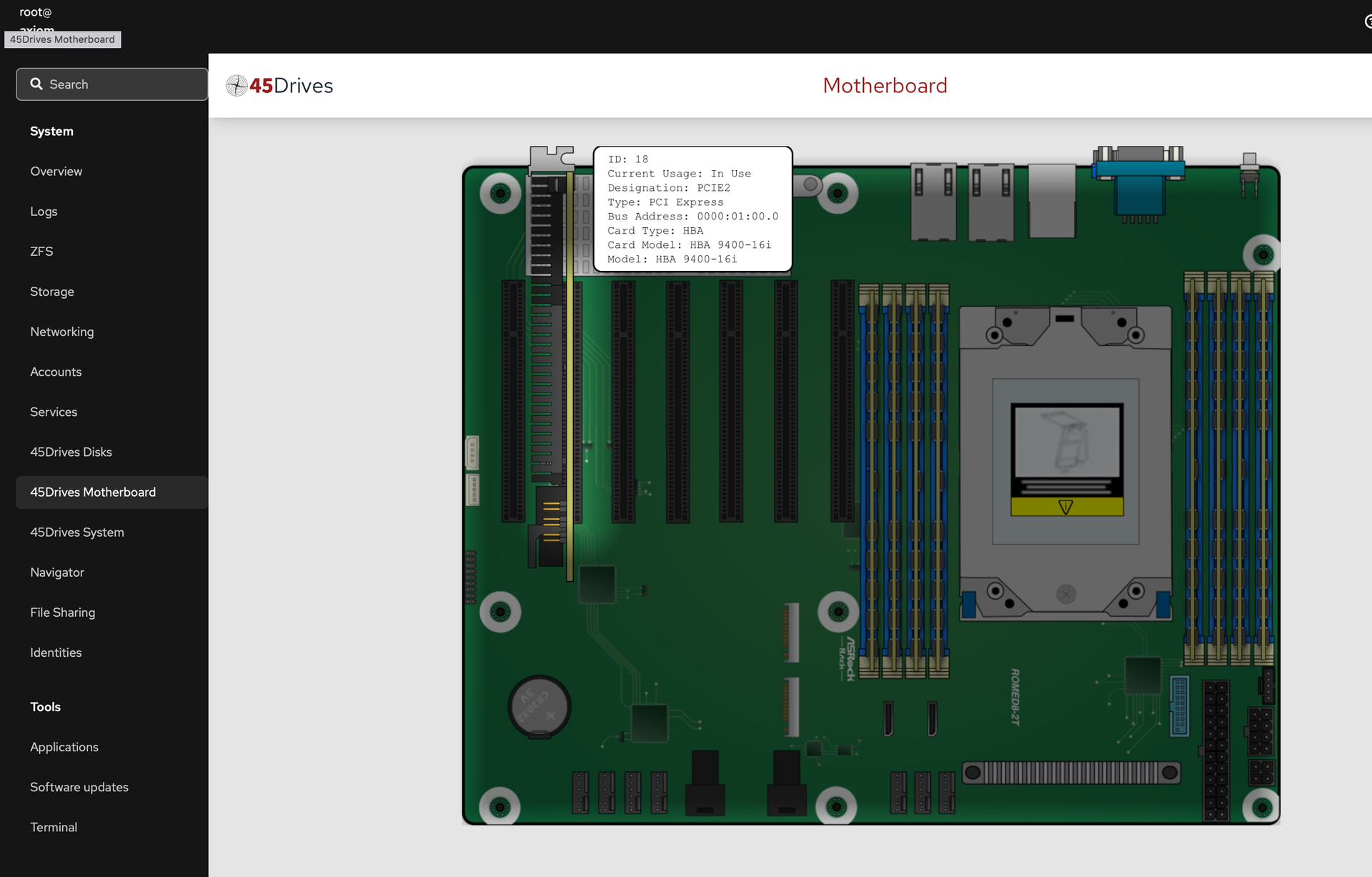
Right off the jump, everything was broken. The pages would normally load, but they’d throw a bunch of errors (45Drives Disks, 45Drives System, 45Drives Motherboard) the key is to take the errors you’re seeing in the Cockpit UI and go back to your Proxmox shell and try to run those scripts manually to get the full errors. The scripts worked just fine, and would output the info needed, but at the beginning it would throw a bunch of errors about invalid escape sequences in regex used inside the script.
This normally wasn’t an issue in older versions of Proxmox because they shipped with older versions of Python which didn’t care. The newer version that ships with Proxmox 9 cares and will throw warning errors which screws up the interpretation on the cockpit side of things.
All you need to do is go into the scripts, and properly define the regex as a raw string and…ta-da! Everything starts functioning. What was interesting to me is that some of it was already a raw string in the code, and some wasn’t. I wonder why the developers decided some of these to be interpreted as raw but others not. Ah well, fairly easy fix.