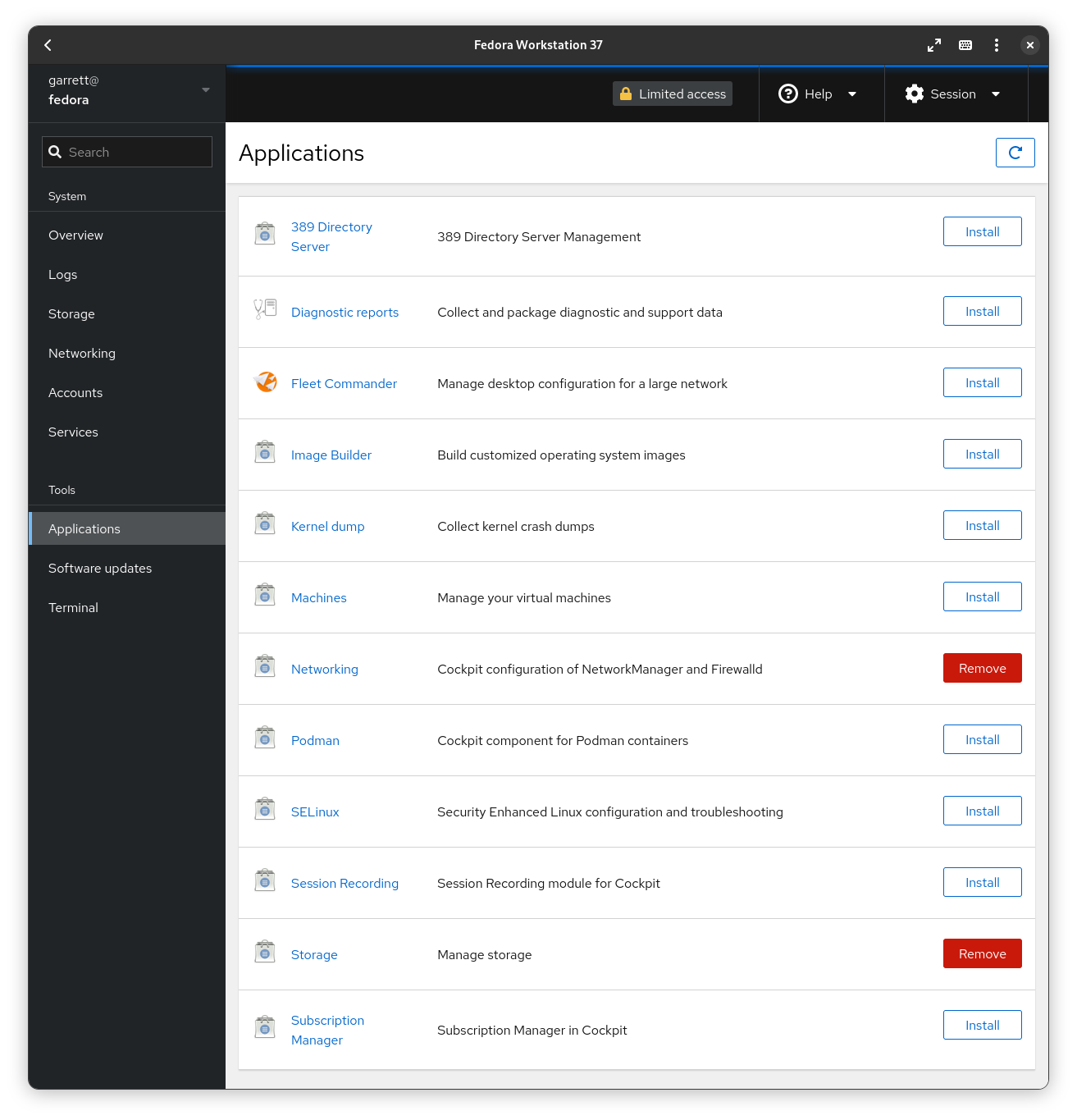
It looks like the preinstalled Cockpit doesn’t have the list of installable applications. I’m new to Cockpit, so I’m not sure what needs to be modified to get the list.
What mine looks like:
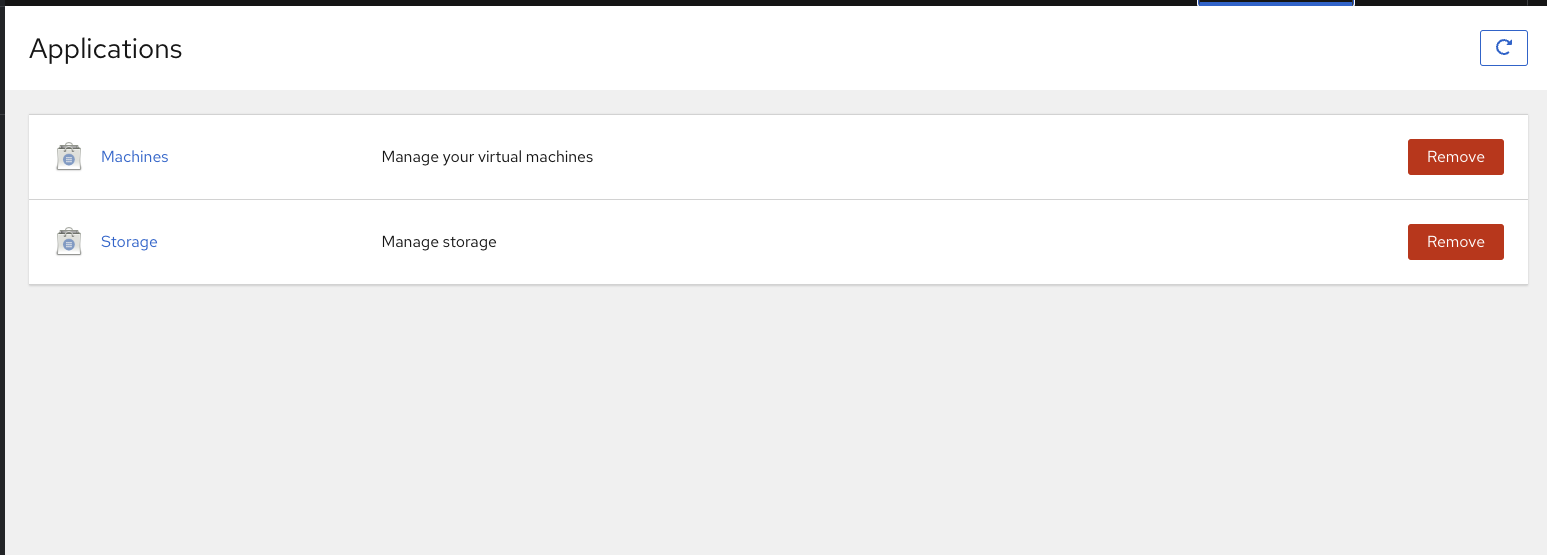
Example of what it should look like:
It looks like the preinstalled Cockpit doesn’t have the list of installable applications. I’m new to Cockpit, so I’m not sure what needs to be modified to get the list.
What mine looks like:
Example of what it should look like:
Hi @heliostatic,
What OS is this installed on and what version (Ubuntu 22.04, etc)? or is this a full build with Houston?
Are you logged in with admin privileges?
Full build with Houston, and yes, logged in with admin. Thanks!
from the Houston install:
and Houston troubleshooting:
I am assuming the cockpit service is running or else you wouldn’t have gotten that far.
(sudo systemctl status cockpit)
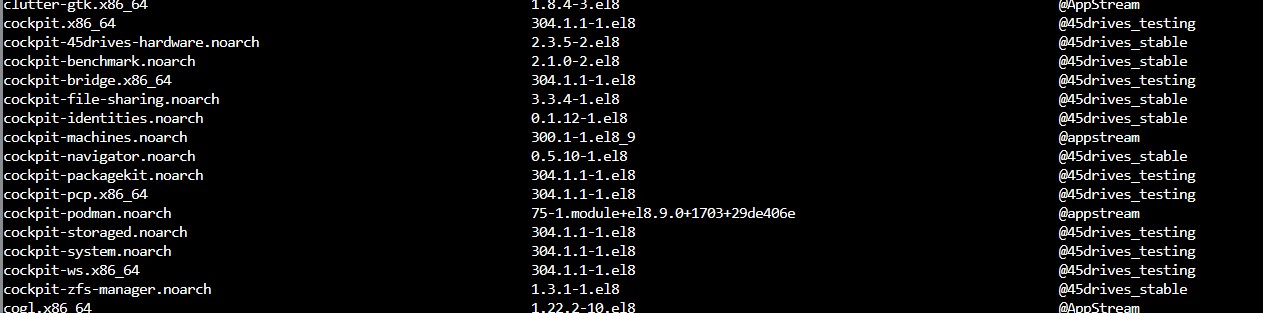
sudu dnf repolist (make sure epel-release, 45Drives EL8 Stable and testing are listed)
sudo dnf list all
(Look for these packages
45drives-tools.x86_64 3.0.7-3.el8 @45drives_stable
and
sudo dnf update
OR
sudo dnf update cockpit-file-sharing cockpit-navigator cockpit-benchmark 45drives-tools
Post back with any progress or questions. There can also be firewall or SELinux permission issues