I have HL15 and I pair it with EPYC 7303p and Global Memory 128GB (4 x 32GB) DDR4 2933MHz PC4-23400 288-PIN ECC REGISTERED DIMM (RDIMM)
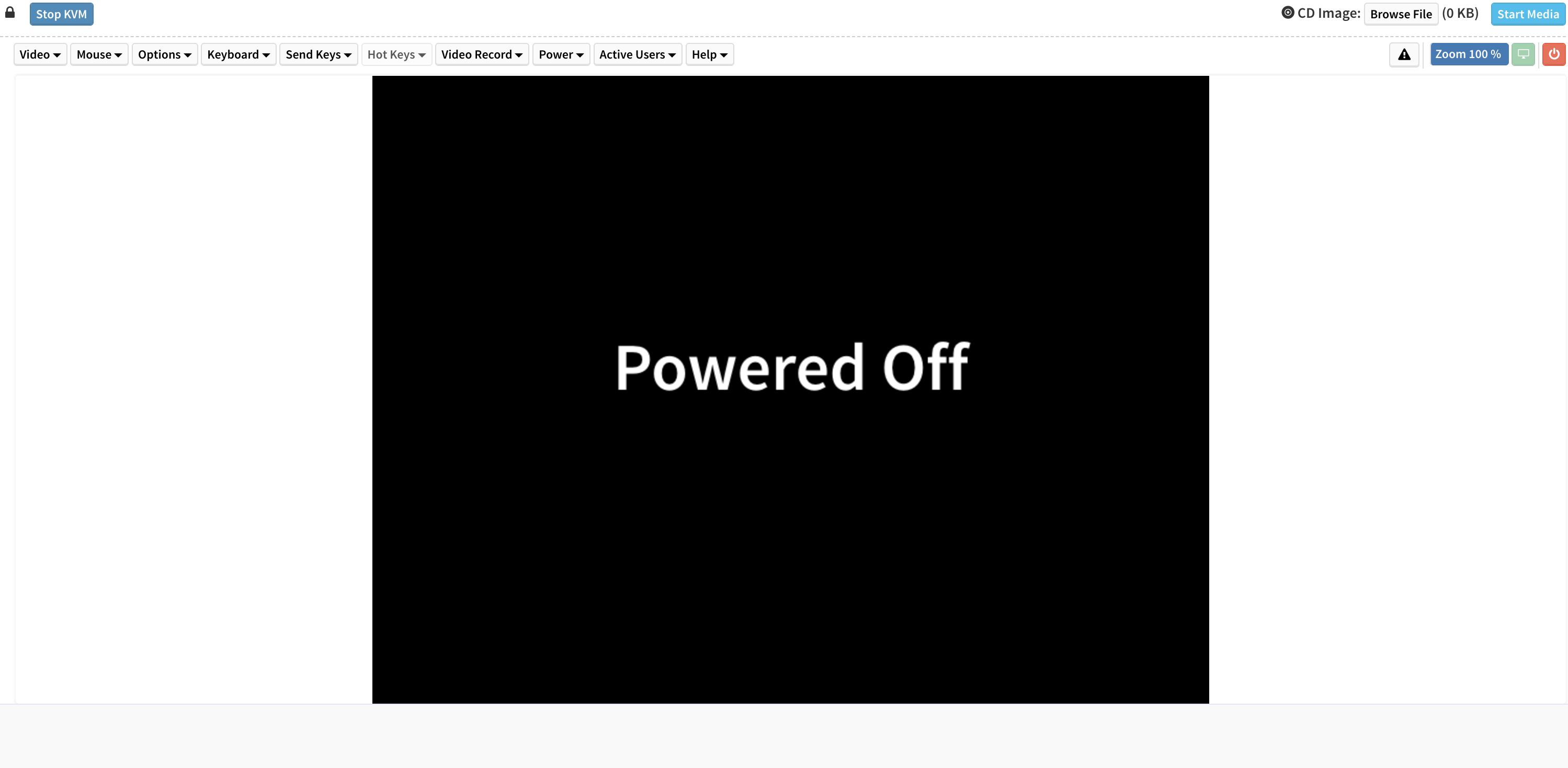
However, BIOS does not power on (only CPU+RAM installed). I can login to IPMI and try to power on host, but no luck, it does not power on.
MOBO has BIOS 3.80 and I updated BMC to the latest available 2.08. I can’t update BIOS to the latest 4.10, it uploads via BMC but to complete flash, BIOS needs to restart and it is not able to power on.
However, according to ASRock page, BIOS 3.80 should be compatible with EPYC 7303 CPU
Do you have any tips what else to check?
What does the debug code display on the motherboard show when you try to boot?
Have you followed the table in the manual for installing four DIMMs? I think it’s slots A1/B1/G1/H1. What if you just install one stick in C1?
The IPMI should have post snooping that will give a post code. Im not sure exactly where it is in the IPMi but that will help figure out where the boot failure is.
debug code display does not show anything as bios does not even power on
I have populated A1/B1 and E1/F1 (closest to CPU) then I tried 1 stick on A1. Ok, I will try one stick in C1
that is the thing that BIOS does not even power on (shows powered off in kvm) and why initiating power on it fails, so debug code display does not even power up
one stick in C1 (as per manual), no joy as well, BIOS powered off and does not react to power on action
Well I guess it could be a defective board, but I’d recheck the power cables. Even though the IPMI is getting standby power that doesn’t mean the entire power to the motherboard is ok. Did you get the ROMED8-2T from 45HL or elsewhere? What PSU are you using?
Power Cable Seating: Ensure all necessary power connectors are fully and securely seated on the motherboard: the main ATX connector (24-pin), the 8-pin ATX12V, and the 4-pin ATX12V. Even a slight misalignment on a secondary connector can halt the boot process.
I’d also check the power switch/LED and other front panel header connectors.
Check IPMI Sensors: In the IPMI navigate to the sensor or health monitoring page. Look specifically at the Power Source status. If it reports “Power Supply Error” or similar, this strongly suggests an incompatibility or fault preventing the main board from fully powering up.
2 Likes
Hi, just to update that thread. Turn out that MOBO was faulty, after replacing with new one, it worked just fine.
3 Likes