Long story short I need to swap my SAS cables in my HL15. Im going from 2 HBAs down to 1 to have a PCIE slot for a 10gbe NIC. My new HBA is SAS-HD and my old ones are plain old 8087.
Was wondering if anyone’s done that before and what the pitfalls are? Is the best way just to unscrew the front panel (somehow) and access ports there?
P.S. to people at 45Drives. In future please don’t waste your time making your manual for a server chassis 3/4 about software you can run on said server. I doubt many people used it, and if they did its probably out of date by now and shouldn’t be used. Please instead spend your time including basic disassembly steps and wiring diagrams instead. Had to find out the cables are wired all the way under the backplane and plugged in from the front instead of the back from a youtube video on Cable Set A.
Although i’m not disagreeing completely, the assembly/disassembly of these chassis is not rocket science. Anyone smart enough to homelab should be able to figure it out.
Unfortunately, to my recollection, you can’t just access the SFF connectors by removing the front plate, unless you have tiny racoon hands. Perhaps with the aid of a screwdriver and flashlight? … not sure. You need (or at least I needed) to remove the drive cage and backplane. To remove the drive cage you need to remove the drives, and there are some screws on the side of the case. You might also need to remove the metal strip across the front fans to get the cage out. Then there are something like 12 standoffs for the backplane, so you need to undo all those screws. You can then access the underside of the backplane to plug in your new connectors. Reassemble in the reverse order of disassembly.
I may have some photos from a disassembly of mine, if I can find them I’ll post them.
2 Likes
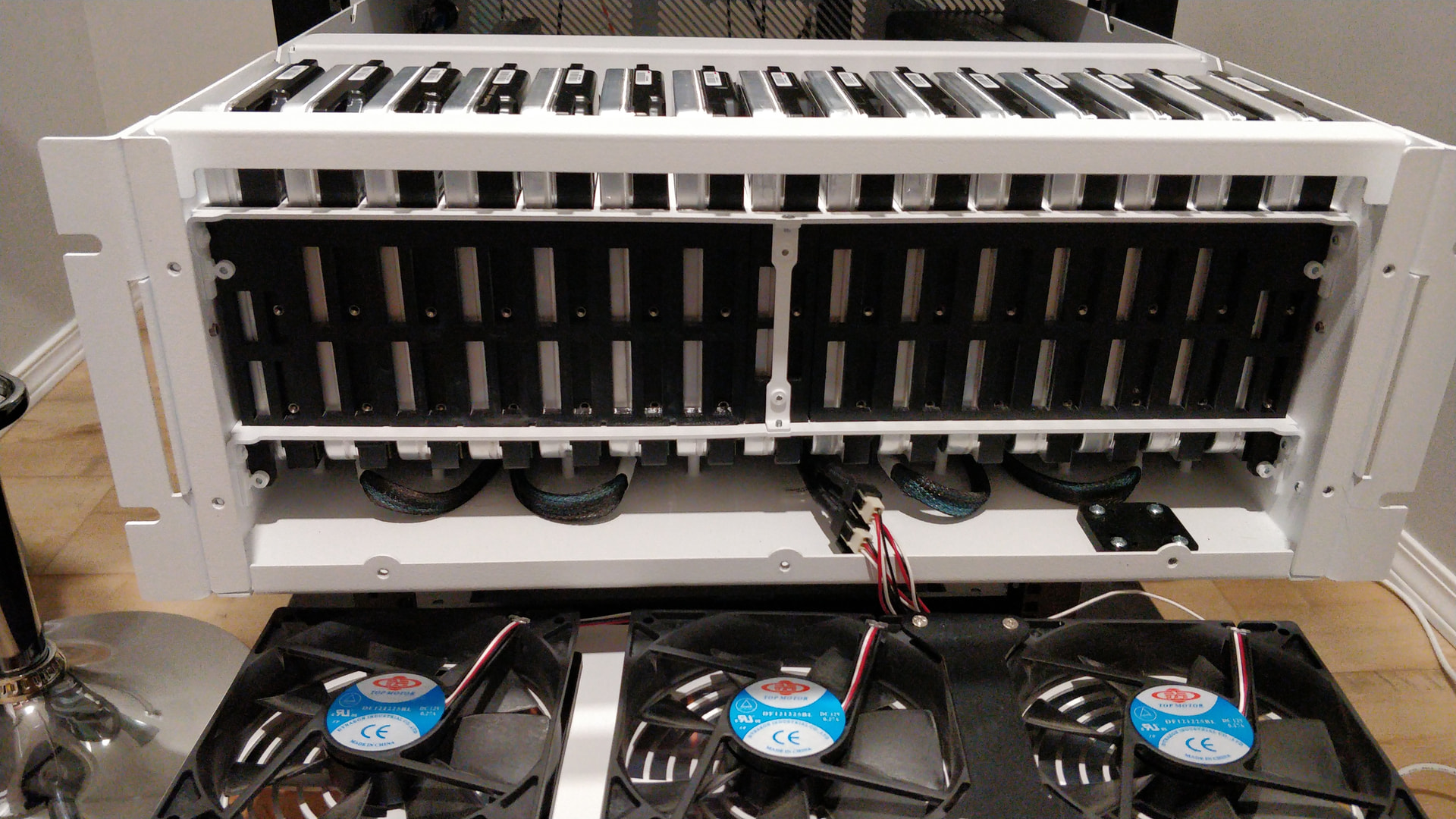
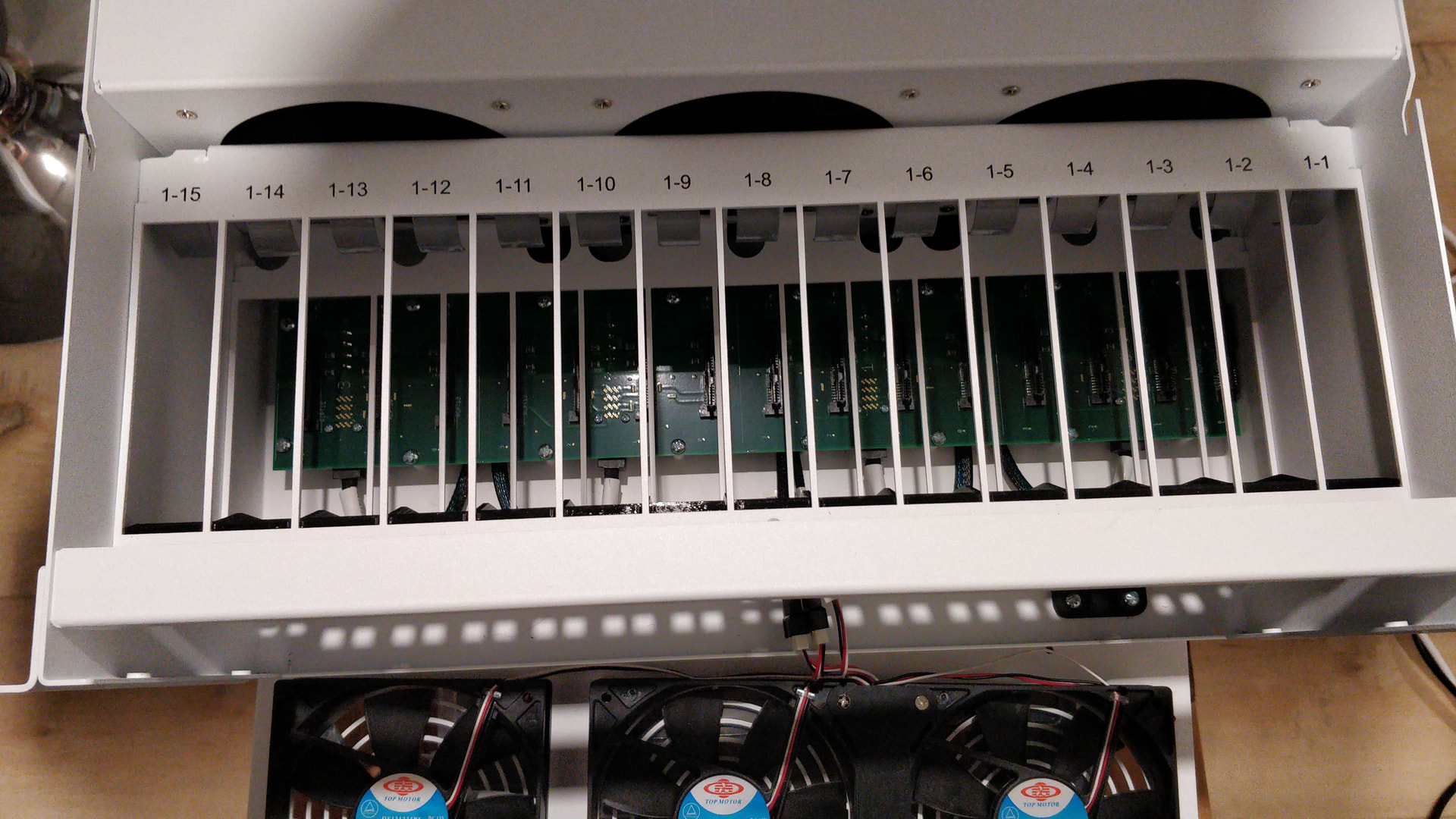
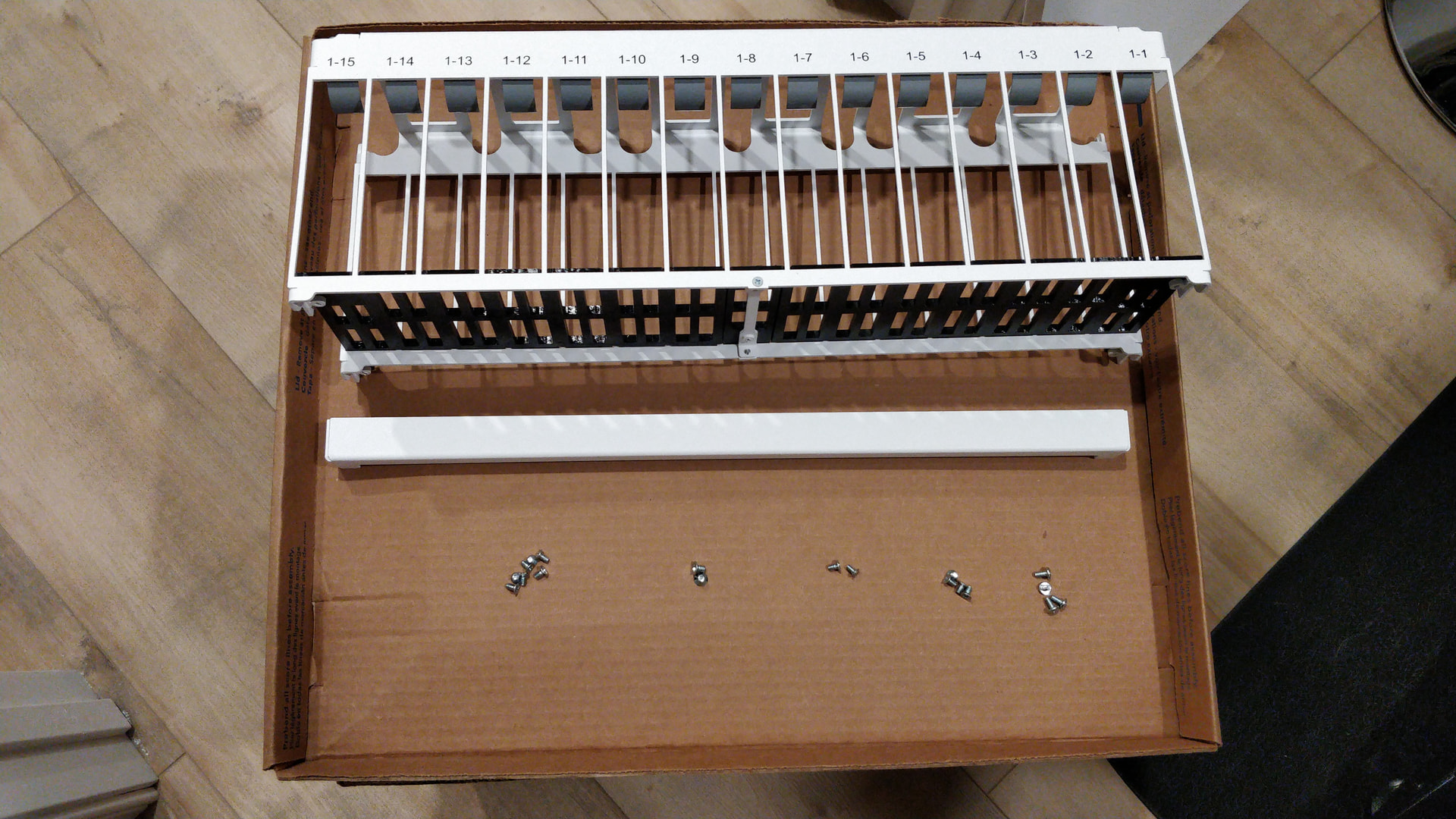
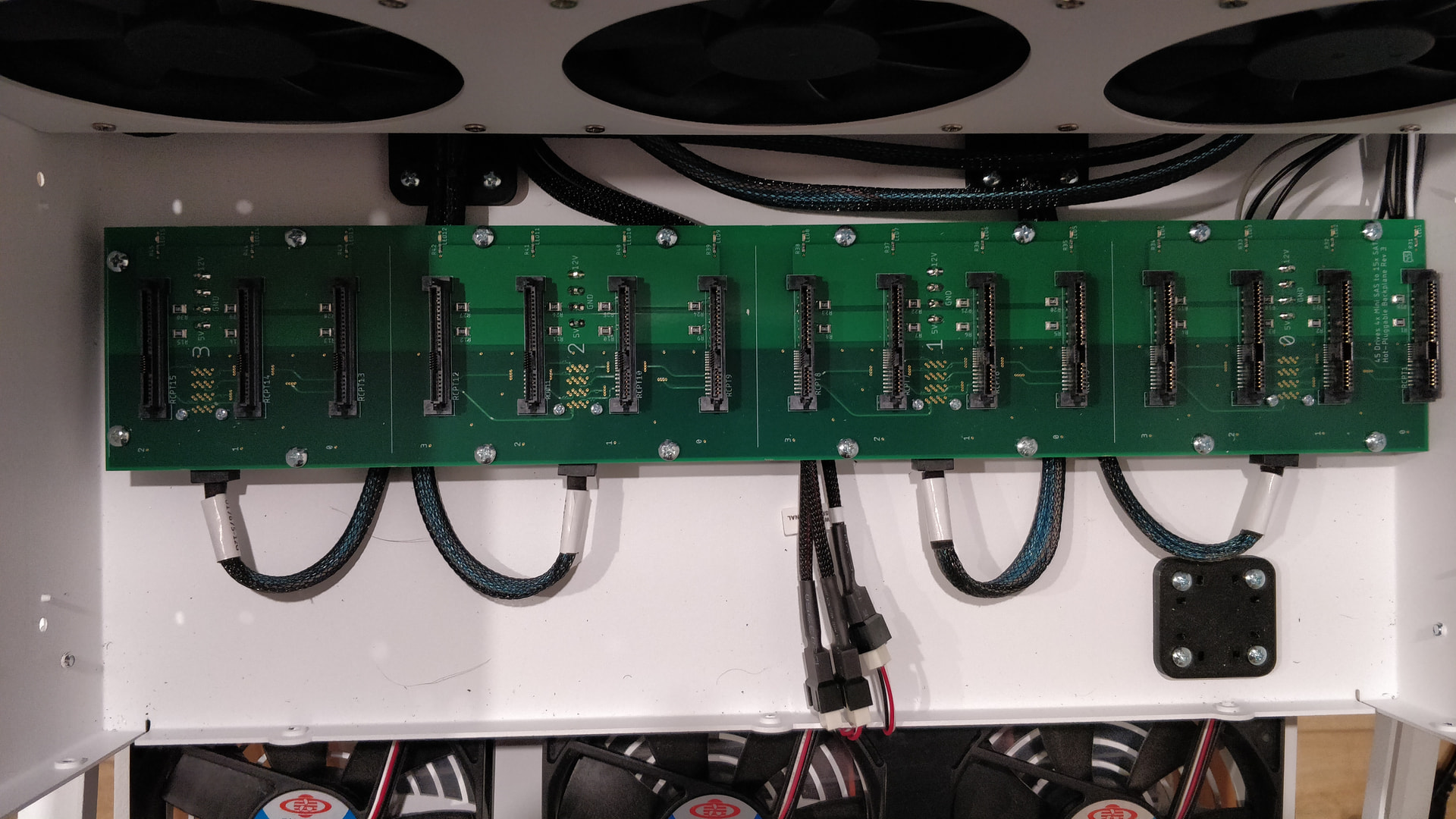
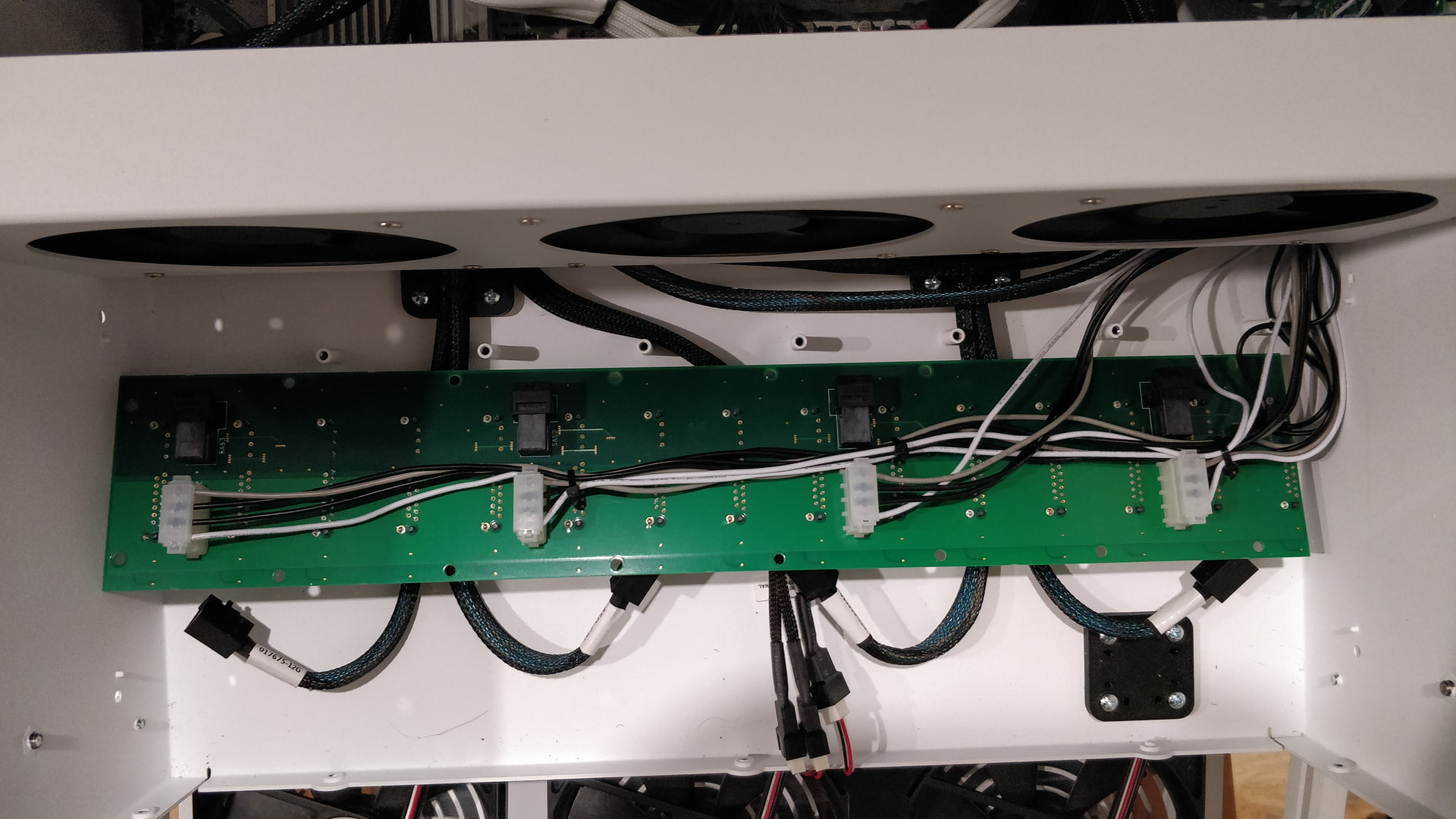
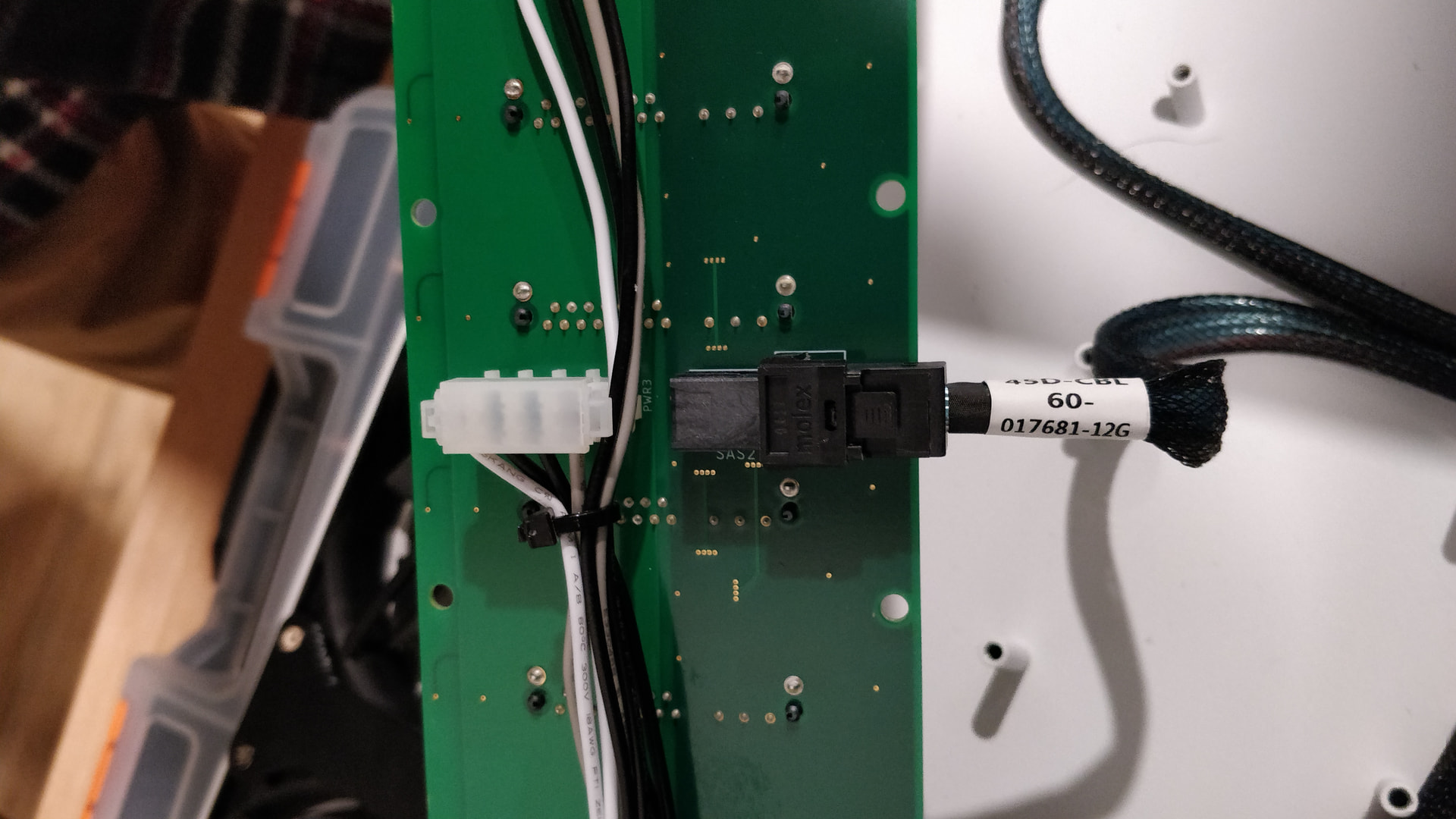
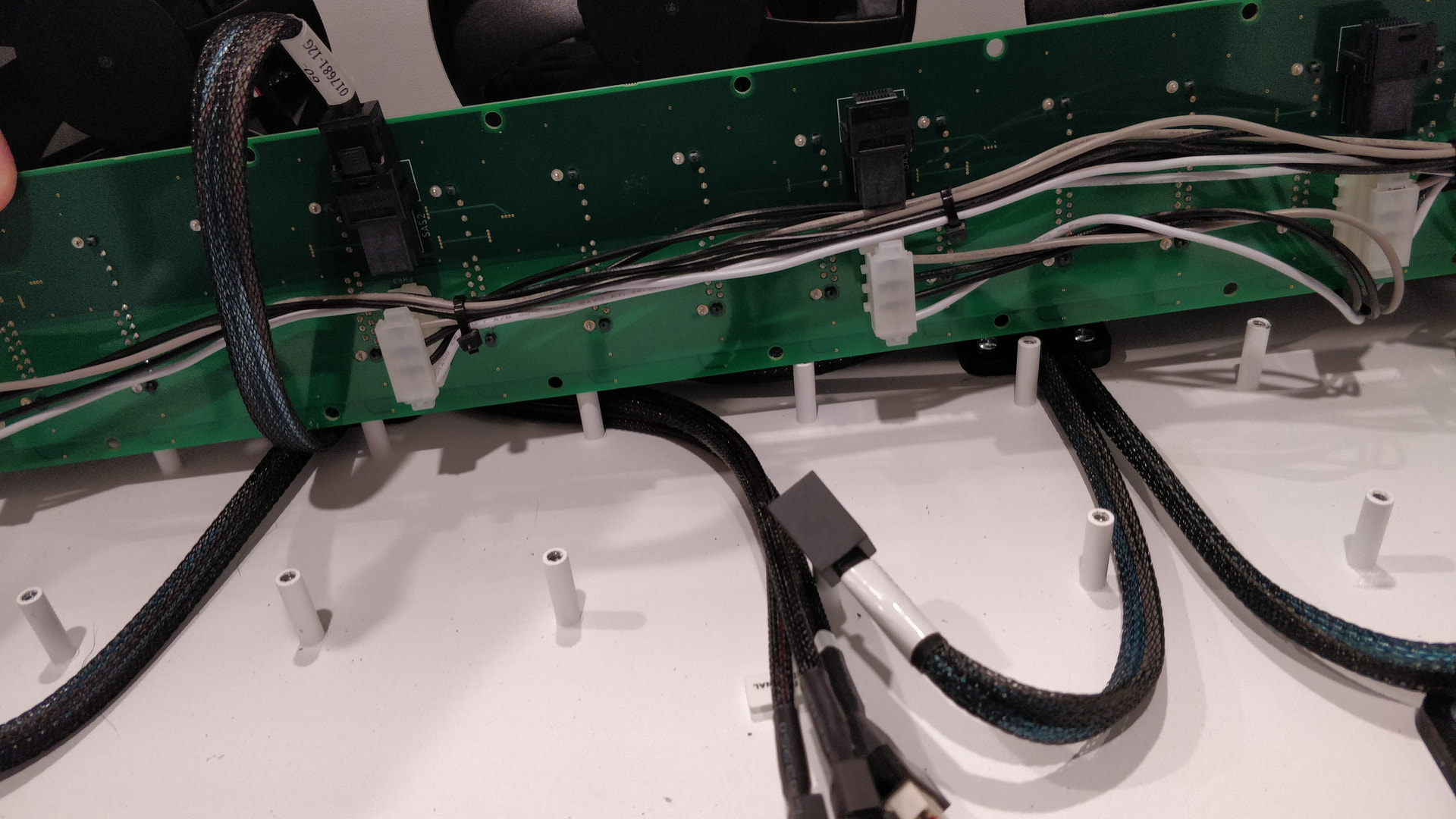
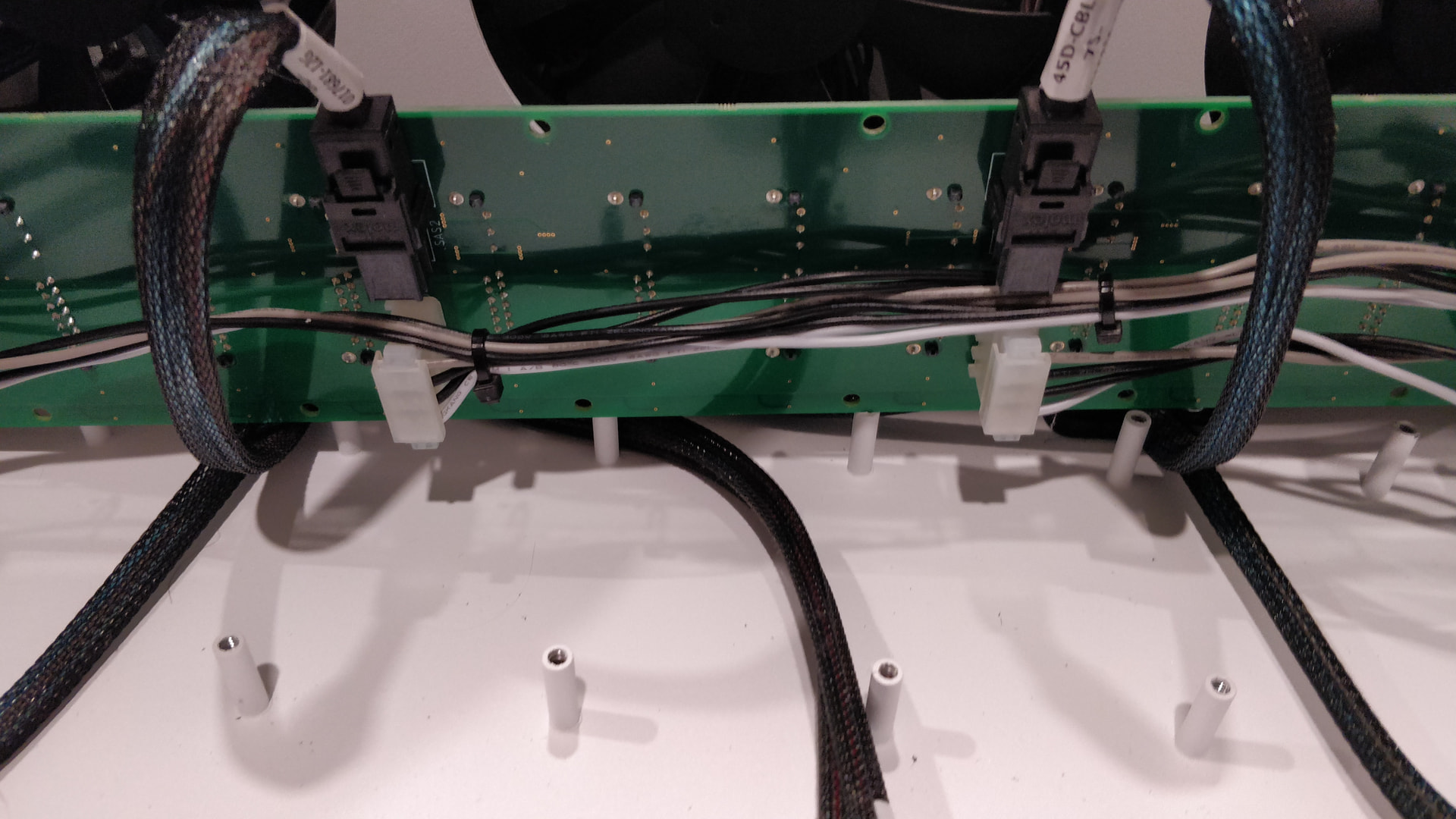
It’s not a guide, and doesn’t show you which screws to undo on the side of the case, but here is what you’ll see in the disassembly (HL15 v1). Although the SFF connectors are at the front of the backplane, the backplane is offset to the back of the drive cage, that’s why you likely need to remove the drive cage. However, it looks like with a flathead screwdriver and the front off, you could probably unlatch the SFF connectors without unscrewing the backplane.
2 Likes
Thank you for the guidance. I appreciate it
I went the route with taking front off and using flathead to release the locking mechanism. I appreciate the help!
2 Likes