I have been working on this new build for 2 months now and it’s been quite the journey! I’ll share the HL15 specific portion of this Home Lab build out but if you’d like to read all of the details, I maintain an entire post for this on my website as well. There are more pictures as well!
I am excited to answer any questions anyone has on this build!
HL15 Server: (GPU & Compute)
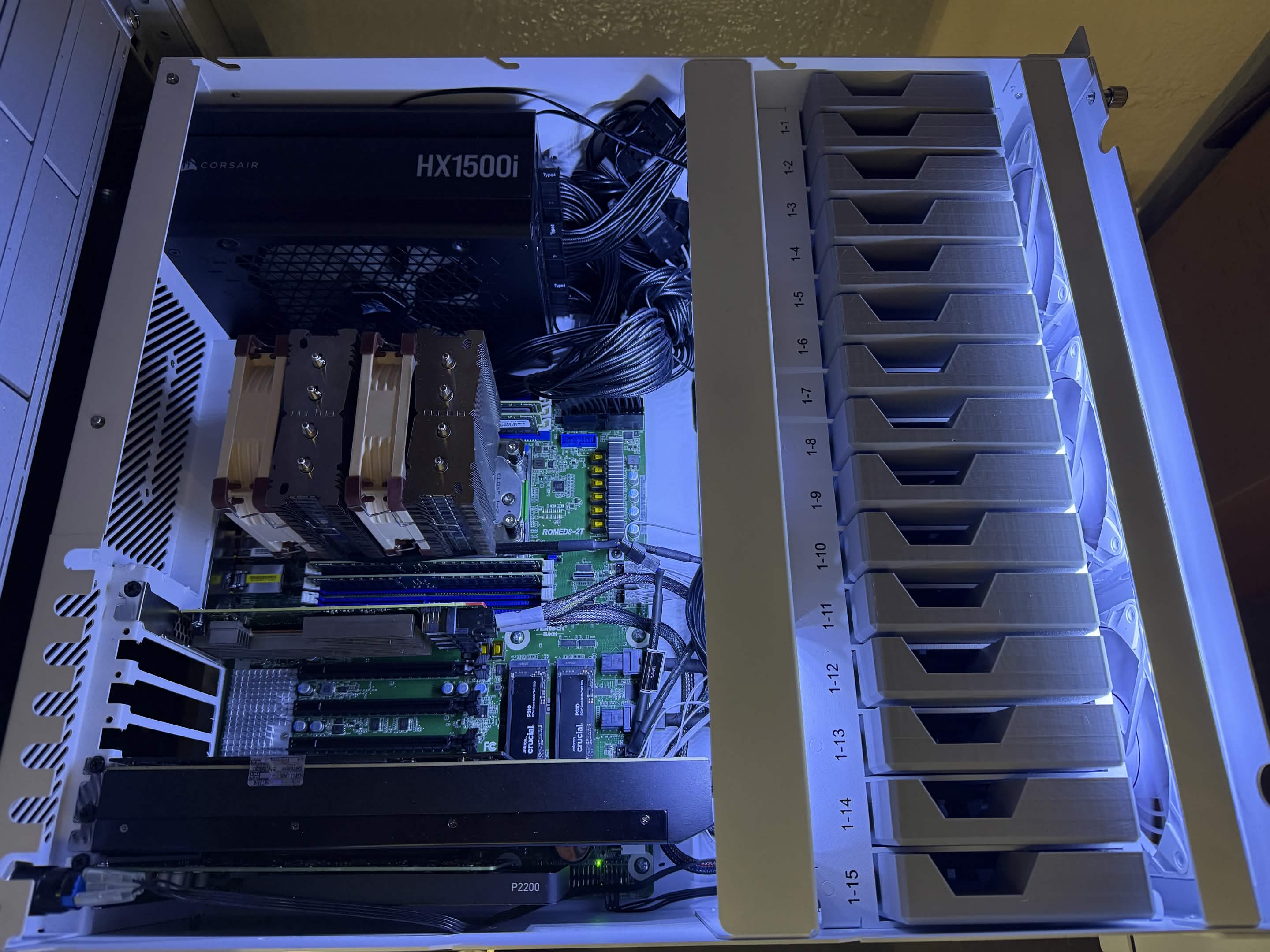
my main Proxmox server featuring the HL15 chassis from 45Drives. This is an Intel R2000WT Family server. It’s a 2U form factor server. I use my main Proxmox server to run most of my services that I test with.
-
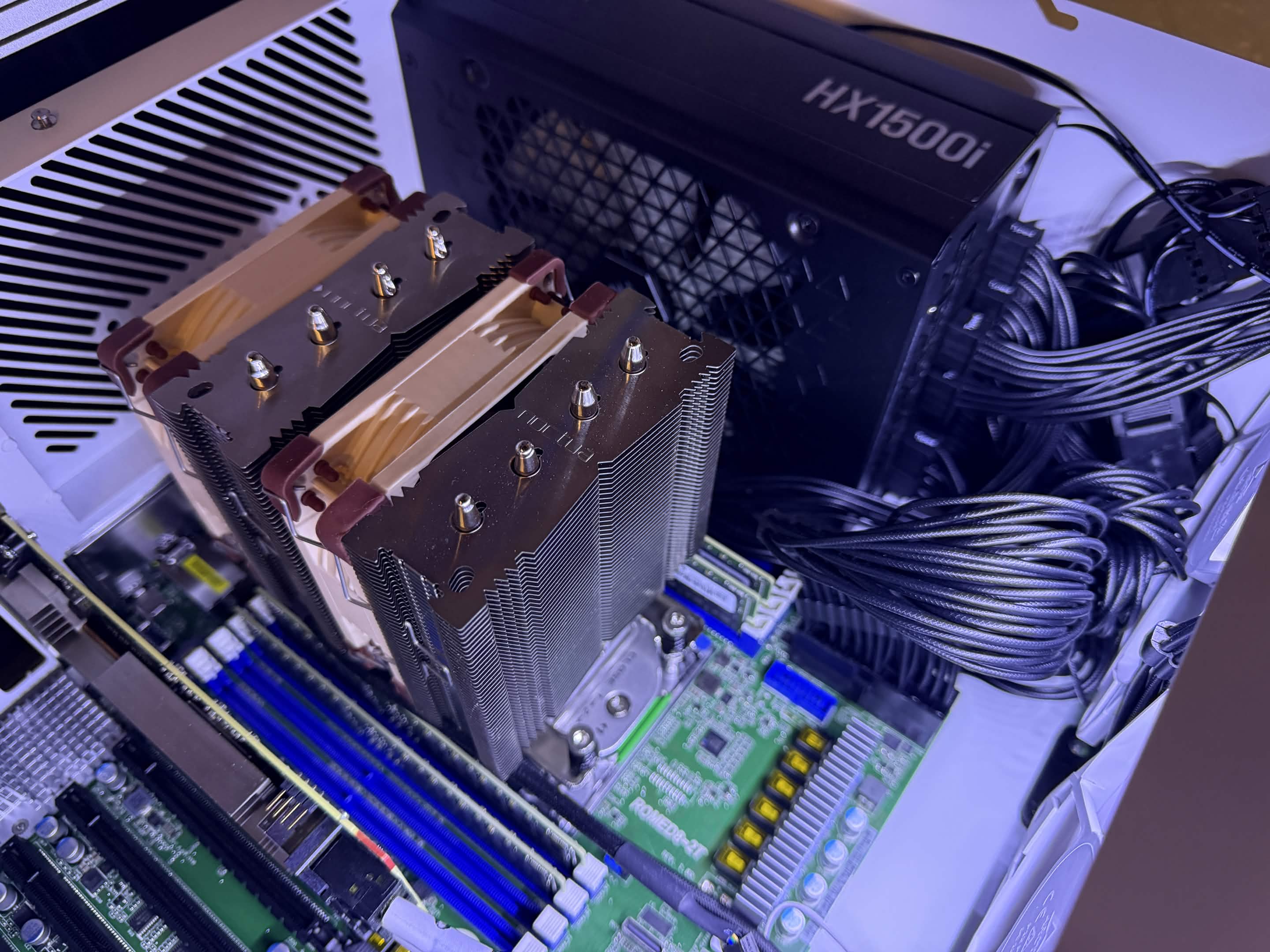
CPU: AMD EPYC 7742 64-Core
-
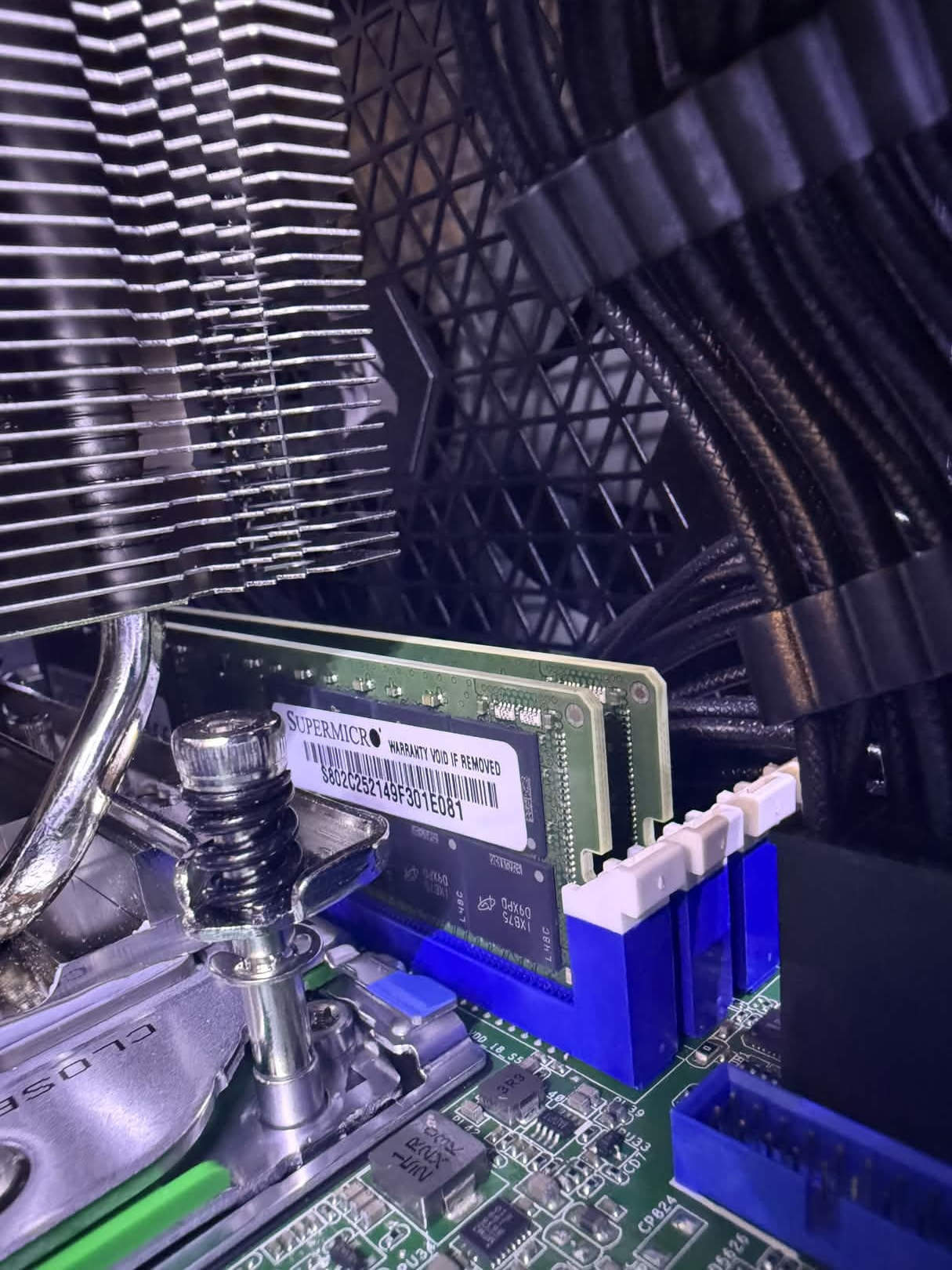
RAM [256GB]: (4x) Micron/Supermicro 64GB DDR4 3200MHz RDIMM ECC
-
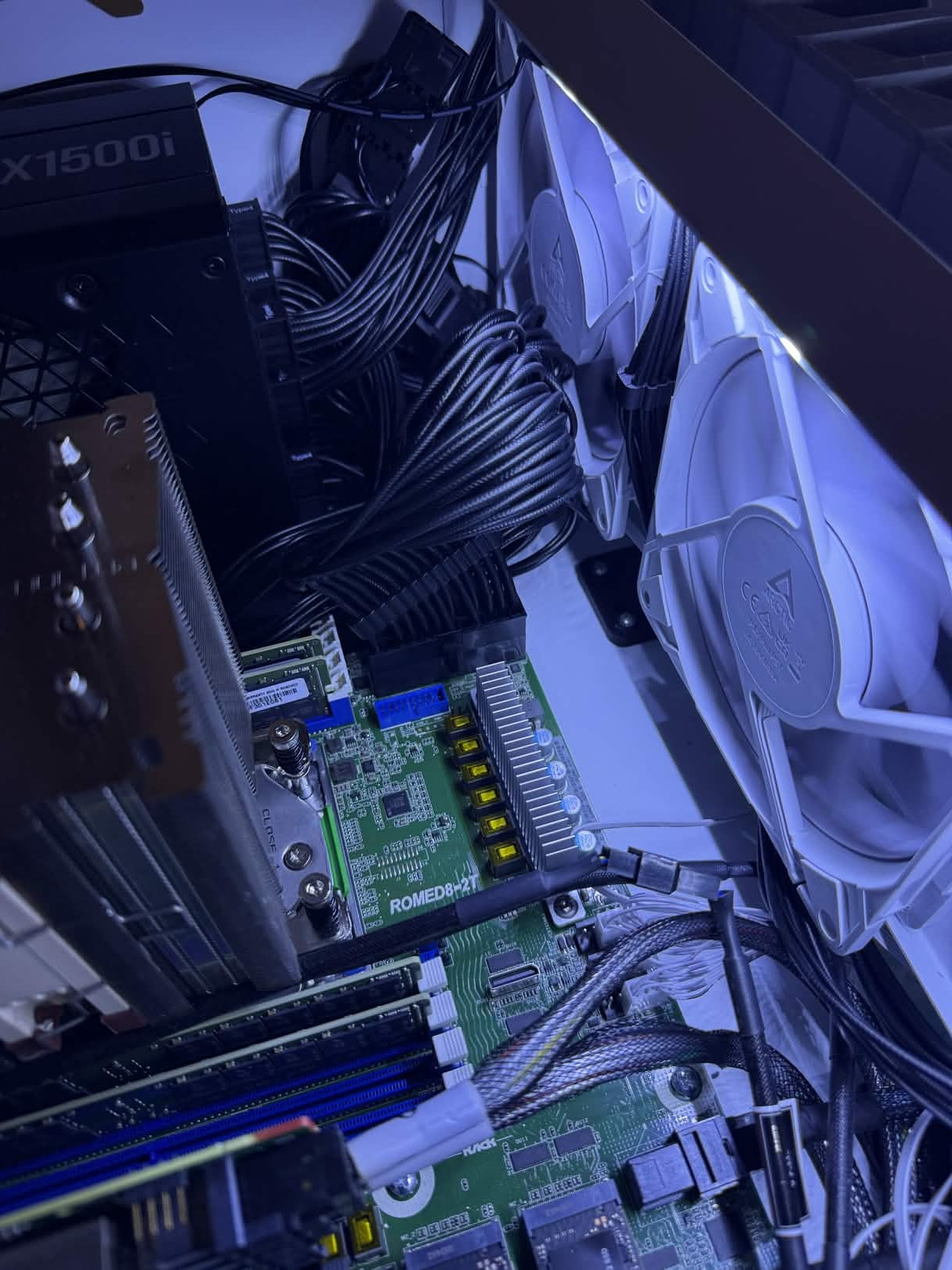
Motherboard: AsRock Rack ROMED8-2T
-
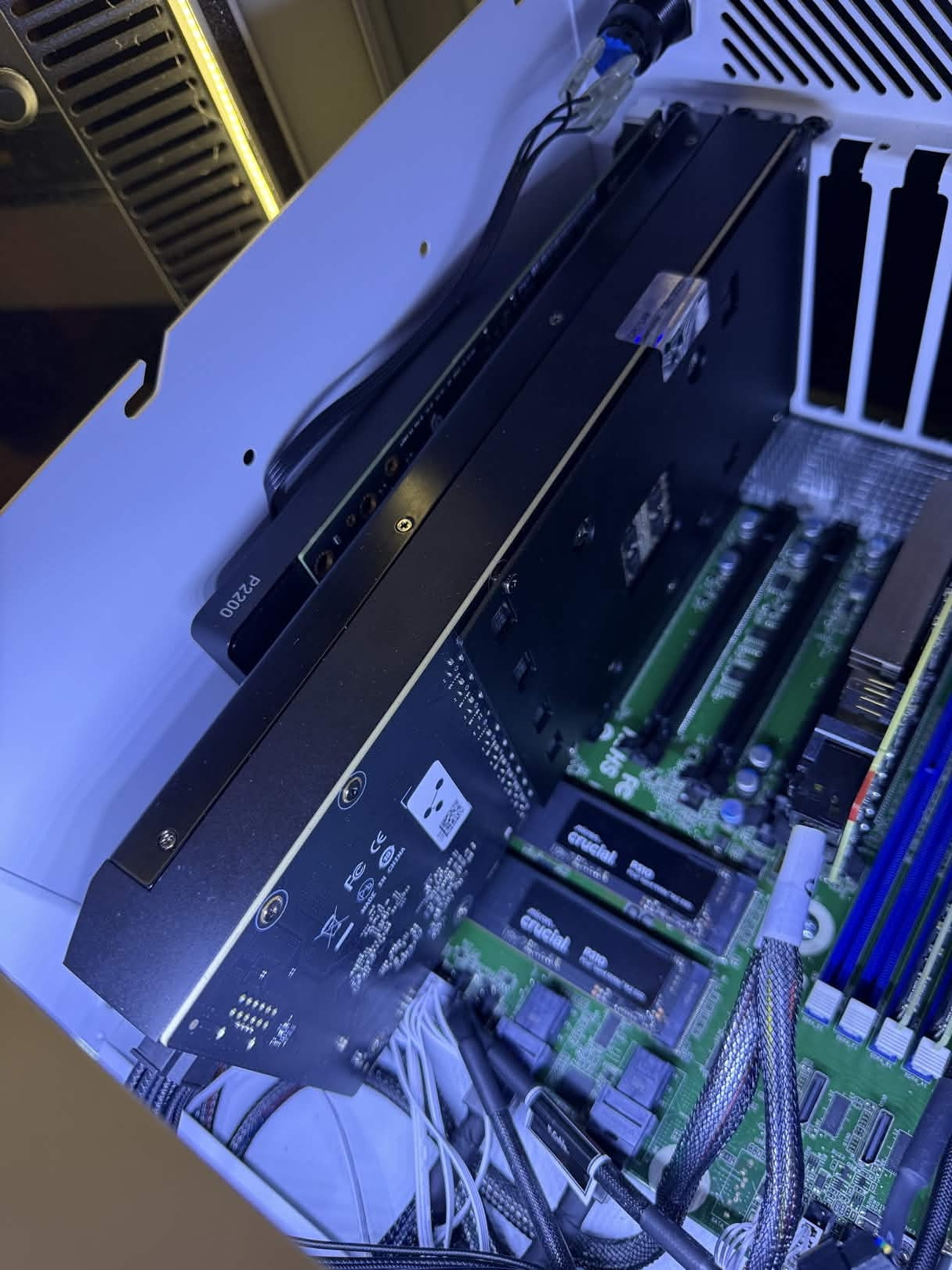
GPU 1: Modified Nvidia RTX 4090 w/48GB VRAM
- LLM & Inference Workloads
-
GPU 2: Nvidia Quadro P2200
- Encode/Decode workloads
-
Storage:
-
Boot Storage: (1x) 256GB Micron SATA SSDs
-
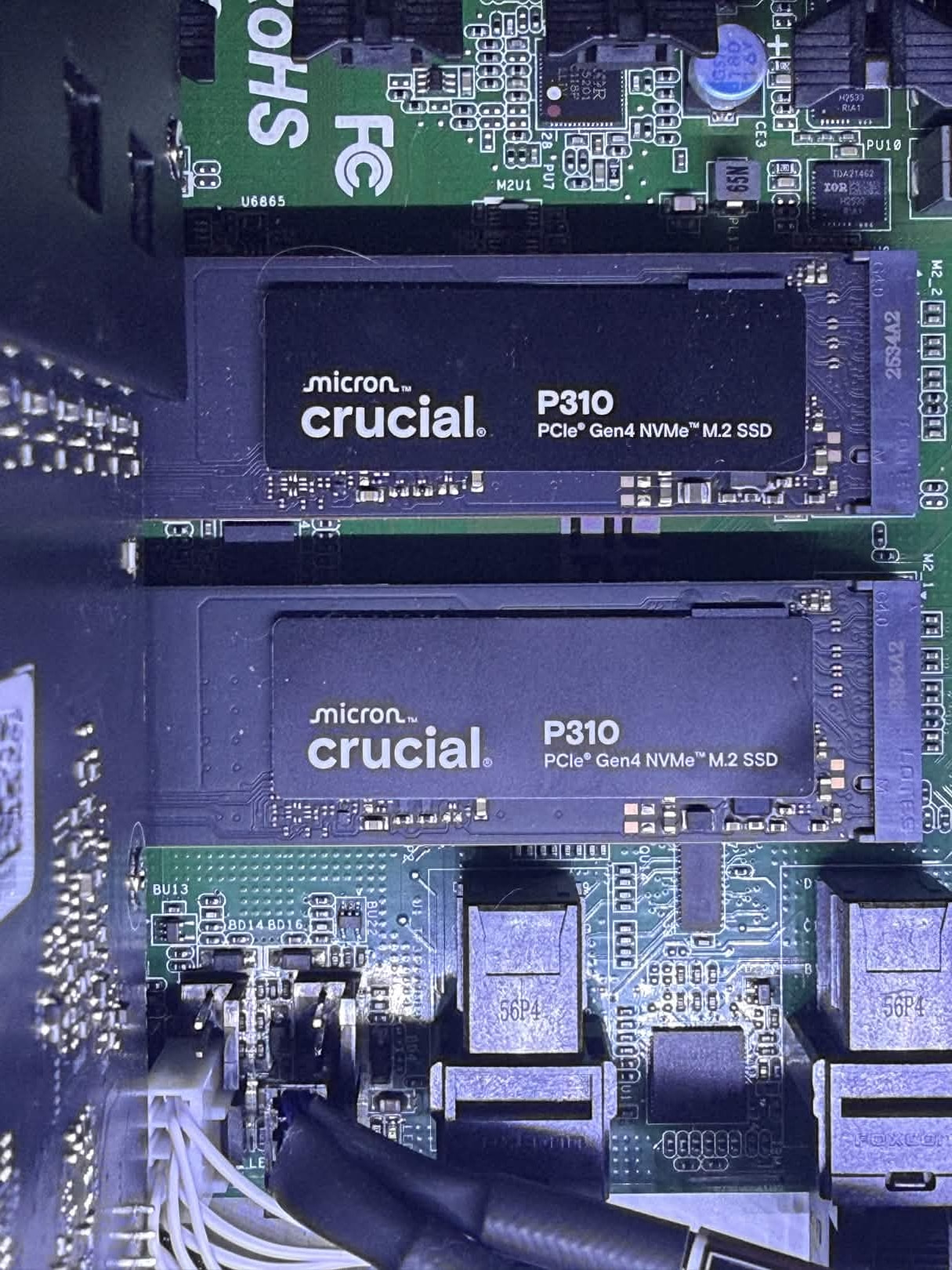
Hot Storage: (2x) 1TB Gen 4 Crucial P310 NVMe
-
VM Storage: (15x) 1TB Micron SATA SSDs
-
There are a few things I’d like to highlight on this build. The first and most obvious is the 48GB Nvidia 4090 that’s featured in this build.
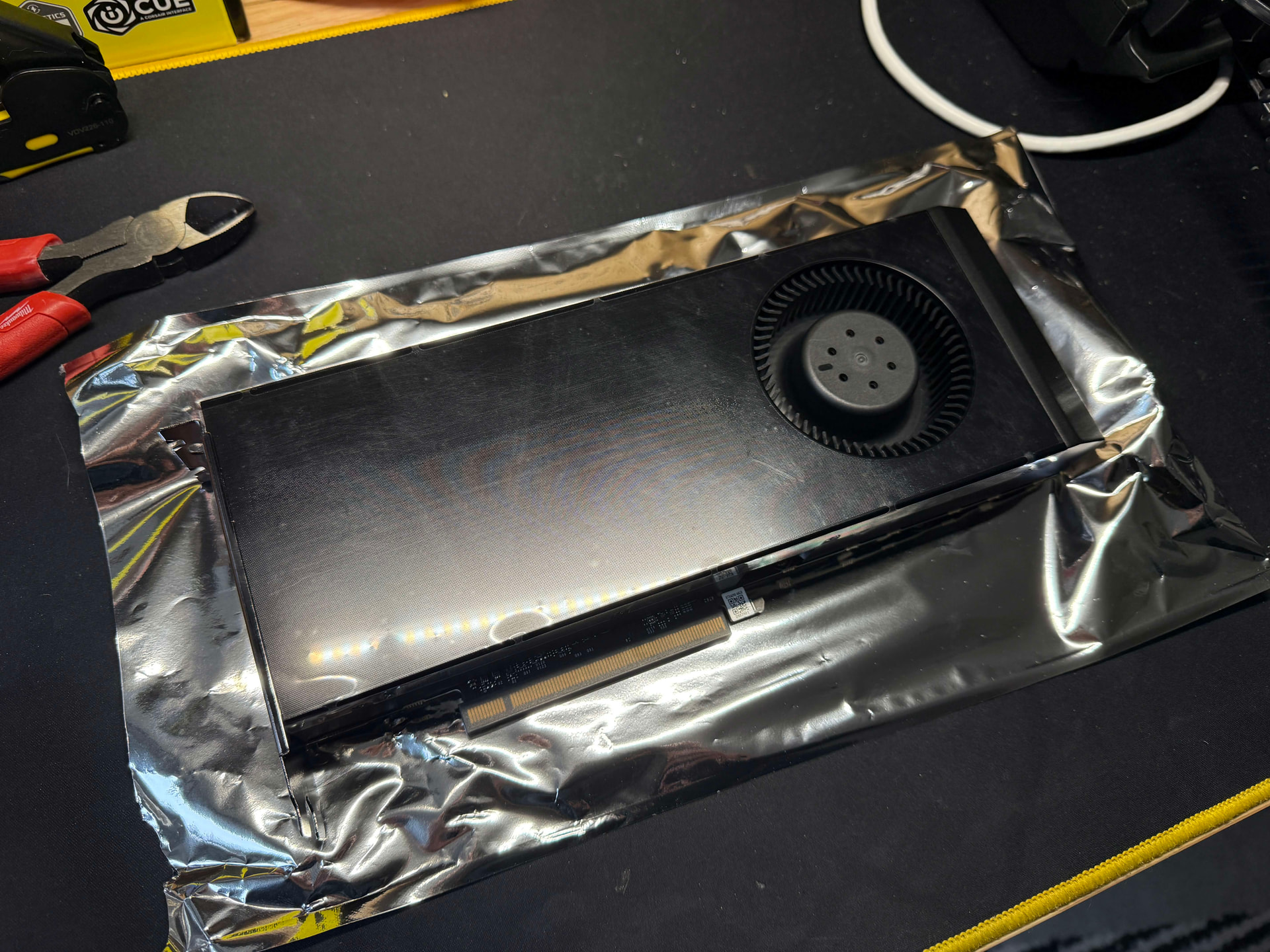
This GPU is a custom, modified Nvidia 4090 modified and built by GPvLab. Cutting their teeth on repairing broken GPUs and other BGA electronics, Greg is one of very few supplies of these cards within the United States. While still using the Chinese created PCB boards, Greg ships the fully leaded 4090s, whereas the China direct cards are of the “D” variant - a dialed down version specially created for the Chinese market due to US Government export regulations. In depth performance measurement of these cards can be found here. While still expensive at $3,500 USD (03/16/2026), GPvLab’s 4090’s prove to be one of the most affordable, high-density vRAM GPUs obtainable to consumers at this time as these are true, 2 PCI slot width cards featuring their own blower fan and cooler. If you are interested in learning more about these cards and Greg Sky from GPvLab, he has a Youtube Channel showcasing the process of building these cards.
The second highlight is the modifications required to fit this level of hardware in the Version 1 HL15 from 45Drives. I have covered my thoughts of this server chassis in a different post. Since obtaining this HL15 Chassis, 45Drives has since released the HL15 Beast. At 1U taller and MUCH deeper this would circumvent many of the issues I ran into. However, the bigger chassis comes with a much bigger price at almost $1,600 USD w/out shipping or import fees. I sought to outfit my HL15 with high density GPU and CPU compute in the original footprint to maximize my density.
In order to achieve this, I was required to modify my backplane to delete the Power Midplane (Sorry Mark Hooper). With the larger power requirements (4090 + EPYC) I will be running a 1,500 Watt PSU for now. This will be upgraded to a 2,000 Watt PSU as I plan on adding more than one 4090 to this build. I will also need to run 240v mains to the server rack as well. These are typically a lot deeper than was was originally intended to be in the HL15 Chassis, thus the Power Midplane was now in the way.
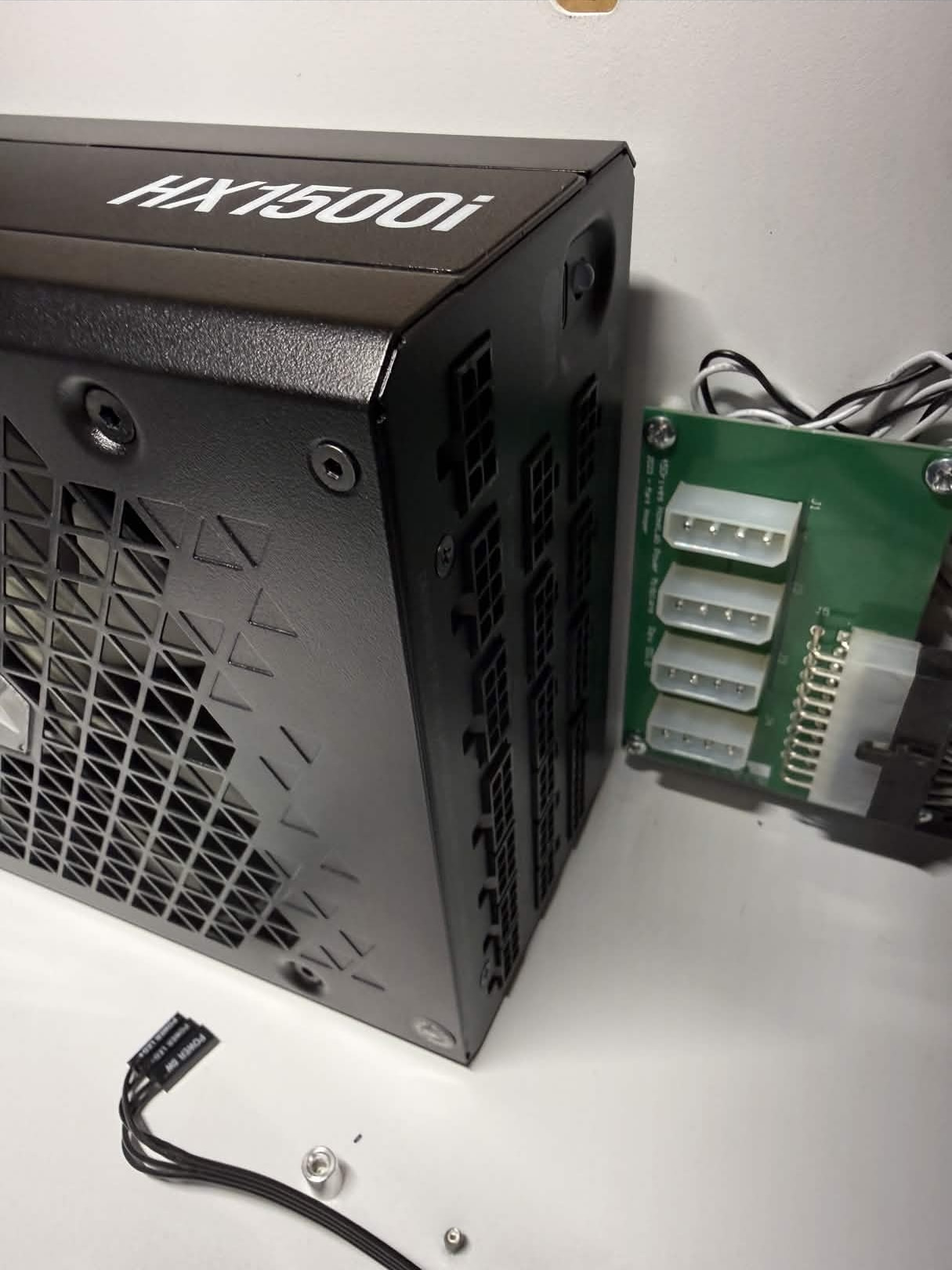
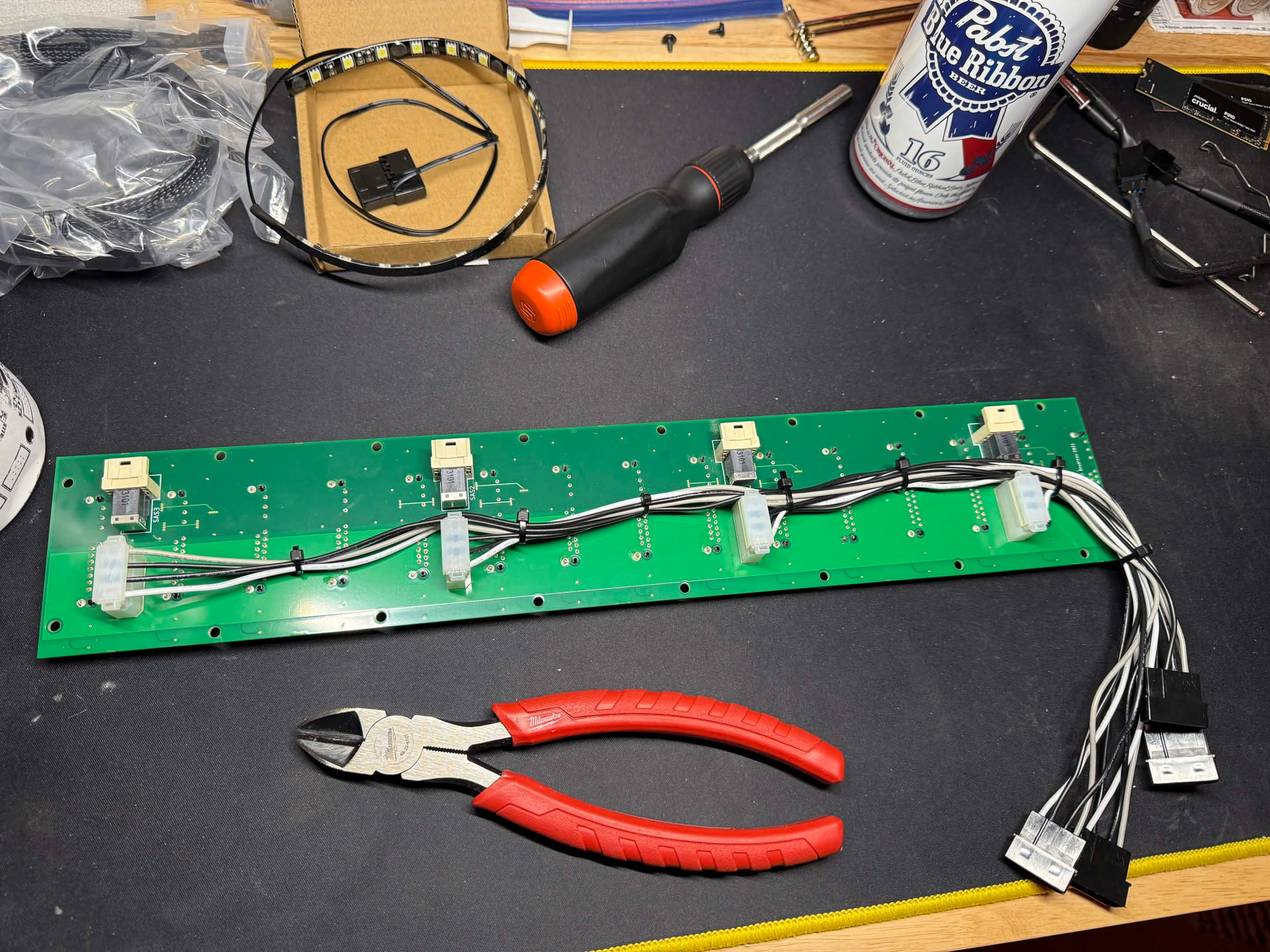
The best solution I determined was following in Techno Tim’s idea of powering the backplane directly. I took a slightly different approach to this by re-using the 90° Molex connectors already on the backplane and simply cutting the wires at the 24-pin power connector and re-pinning from there.
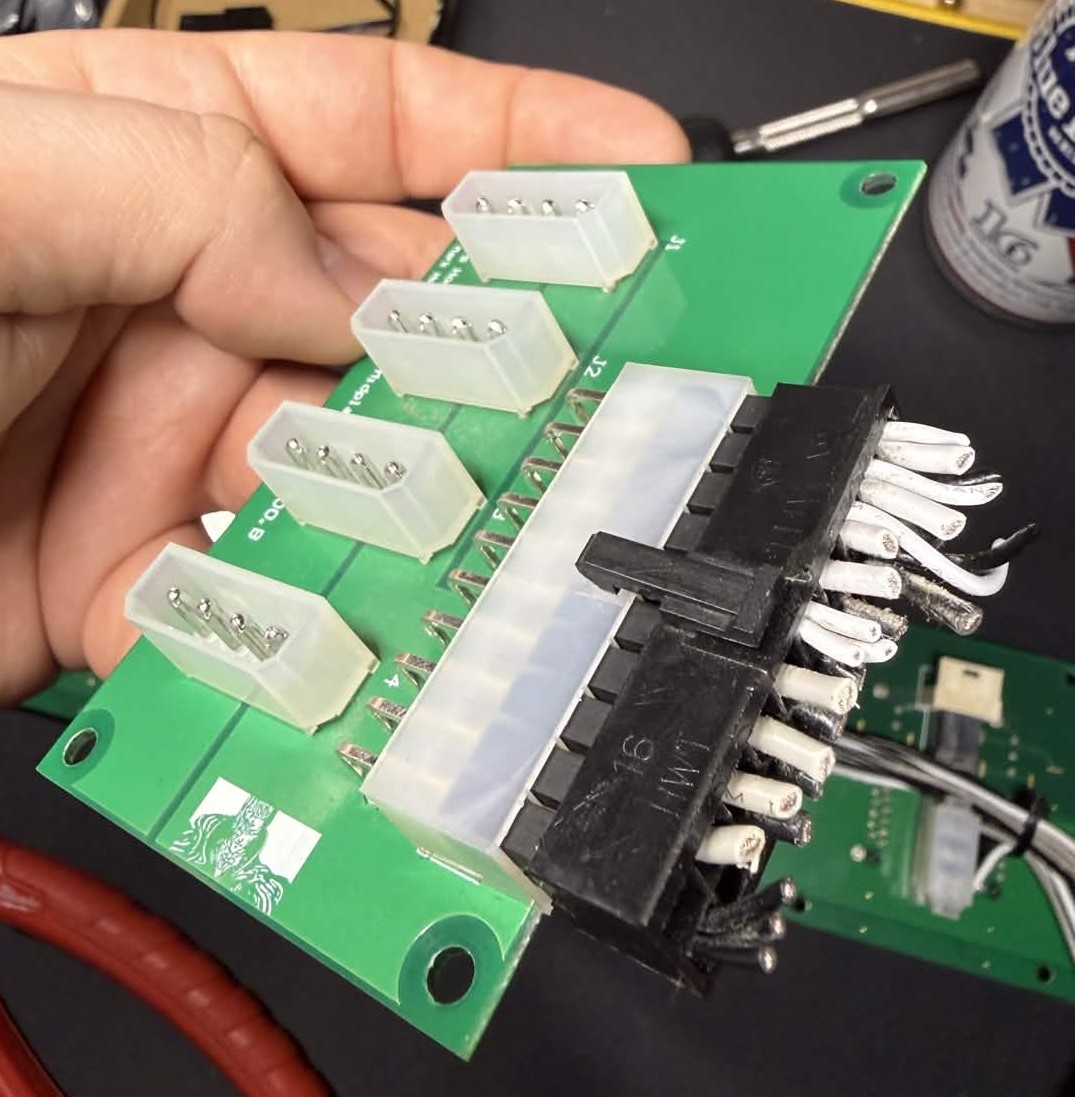
Re-pinning was not that difficult with the right tools. For $15.99 on Amazon, I was able to obtain a Wire Crimping tool designed for terminal connectors, such as those used on Molex connectors. With some new Molex ends and pins, some pinout info from the HL15 Forms, I had re-wired the backplane for direct power and have eliminated the Power Midplane.
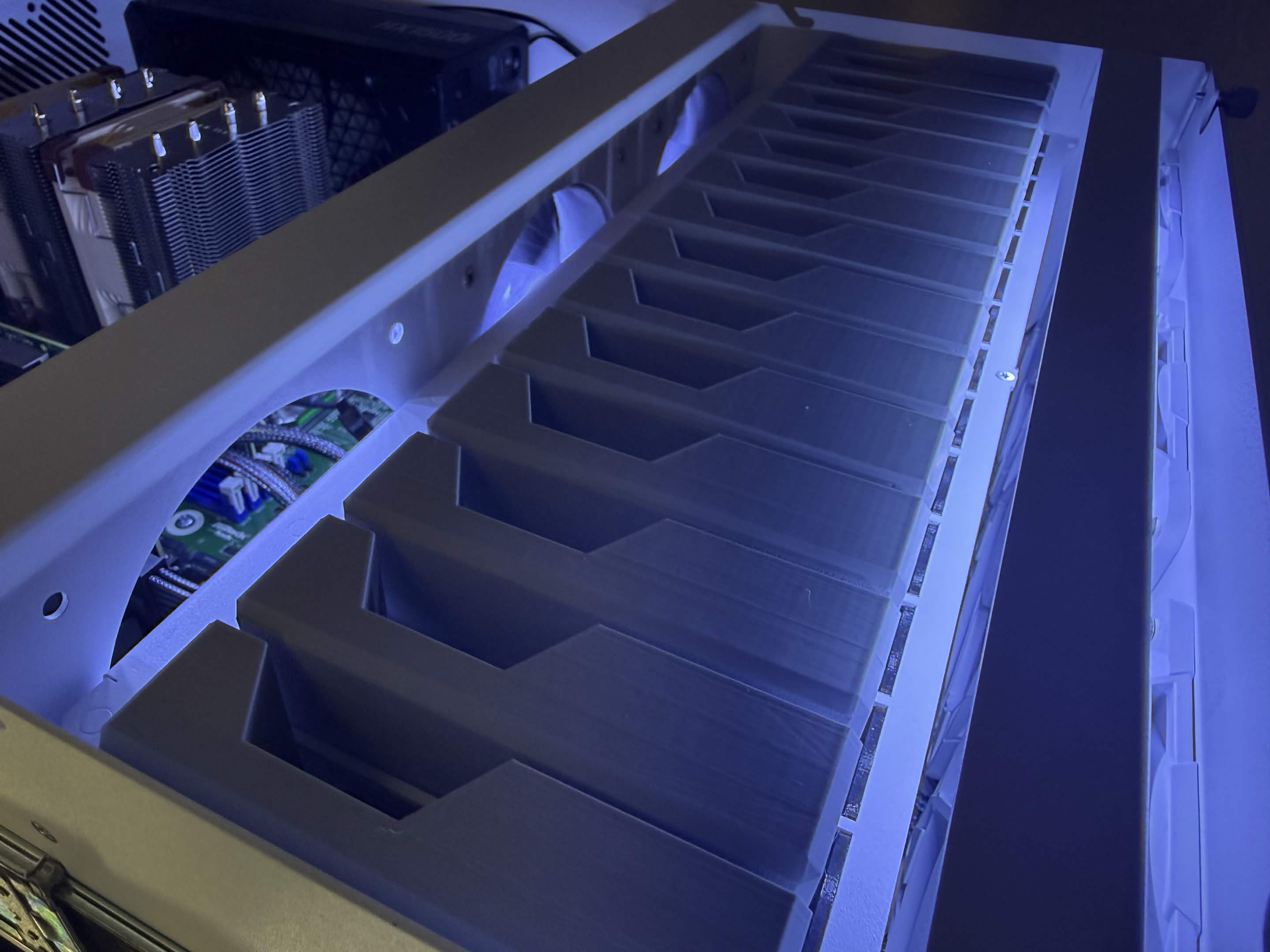
The final obvious issue with doing this is the fans on the HL15 no longer are powered. This was simply solved by removing the 3D printed fan header holders and connecting the Fans directly to the motherboard. The added benefit here is all the fans can also be controlled and ramped up when the added airflow is actually needed. Something I truly believe should be an option out of the box from 45Drives.
And of course these are the services I am running on my server. All containers and VMs are running on a non-clustered, non-ha, Proxmox Virtual Environment.
-
Torrent Container: [LXC]
-
Debian 12
-
This legacy system is a pre-docker, simple, LXC container that acts as a VPN’ed torrent server that is not tied to any automation services and is literally used for downloading ISOs and other large files I may need. Provided torrent downloads are typically MUCH faster than HTTP options.
-
-
Watch Chroma: [LXC]
-
Debian 13
-
Docker + Portainer + GPU Accelerated
-
A steaming platform project that I host the backend for locally called Chroma. A passion project featuring the ex-Caffeine.tv community developed for fun. The encode/decode backend service runs here allowing for inexpensive GPU acceleration.
-
-
Media Container: [LXC]
-
Debian 13
-
Docker + Portainer + GPU Accelerated
-
Plex, Jellyfin, Fladder, Tautulli, and Tauticord are the services running on my media LXC.
-
My entire Arr stack.
-
Gluetun - A VPN client that supports OpenVPN. It connects to a PIA account to route this stack’s internet traffic through.
-
qBittorrent 2x - This client handles the downloading of my Linux ISOs. I use 2 of them for different types of content.
-
Flaresolverr - A small server that uses chromium via CLI to bypass Cloudflare Turnstile robot verification.
-
Overseerr - A client that allows users of my Media servers to request Linux ISOs
-
Prowlarr - Indexes specified torrent sites and collects magnet links, saves that information, and allows for fast torrent fetching.
-
Unpackerr - Automatically extracts torrents that are downloaded that contain compressed files.
-
Radarr 2x - Used for media management. I use two instances for different content.
-
Sonarr 2x - Used for media management. I use two instances for different content.
-
-
-
AI Container: [LXC]
-
Debian 13
-
Docker + Portainer + GPU Accelerated
-
Ollama, Open WebUI, and Comfy UI provide a comprehensive local AI stack that can be used for testing, research, and other local services that can leverage AI such as Home Assistant.
-
-
Docker Container: [LXC]
-
Debian 13
-
Docker + Portainer + GPU Accelerated
-
- A reverse proxy that connections all the following services to the web and more. I am testing this Reverse Proxy at this time.
-
- Phone images and video backups. Access to GPU in order to accelerate transcoding.
-
- The best self-hosted Trello clone I have found yet. I use this for project tracking.
-
- I maintain a public backup of the streaming service Caffeine.tv since they have shut their doors. This archive can be viewed here.
-
- This is a tool that can be used to automatically download and sort content from subscribed creators on Floatplane. This ties in with both my Plex and Jellyfin servers.
-
- IT Tools is a web based multi tool for IT related tasks.
-
- Self-hosted YouTube video downloader web-based front end for yt-dlp.
-
- I am a hobbyist bar tender, and this is the best way I have seen to keep cocktail recipes in order. Also offers an entire inventory system that will show you what drinks you can make with your giving ingredients.
-
- A recipe management and organization system used by my wife.
-
-
Home Assistant: [VM]
- Dedicated Home Assistant VM installed with Proxmox Helper Scripts. A VM was used rather than an LXC container as there are missing features in a containerized deployment.
-
AMP Server: [VM]
- Dedicated Debian 12 VM running AMP. This is a platform that allows for VERY EASY game server deployment. It’s so easy in fact that I have been able to create logins for my friends and offload building game servers for my friends directly to them.
